01 Home
Quick app navigation.
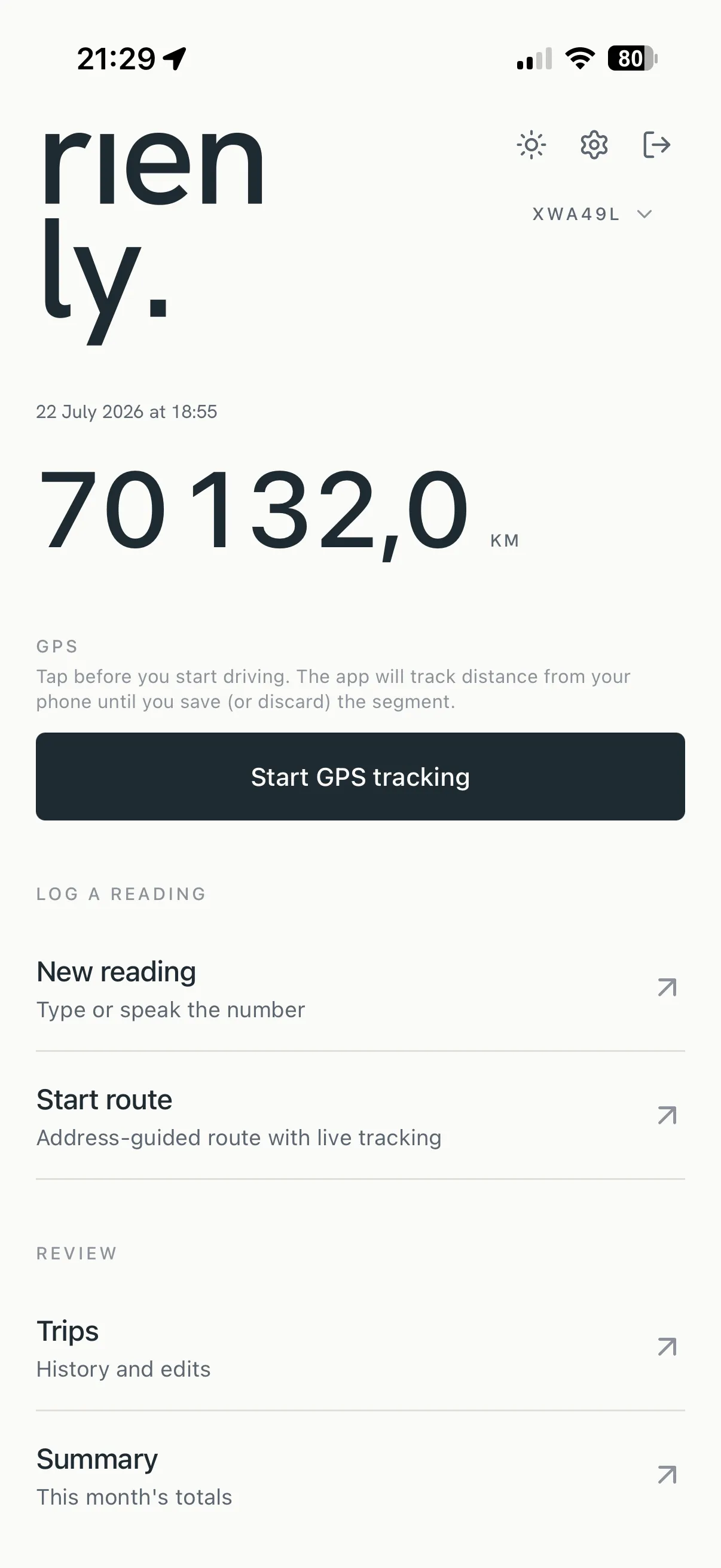
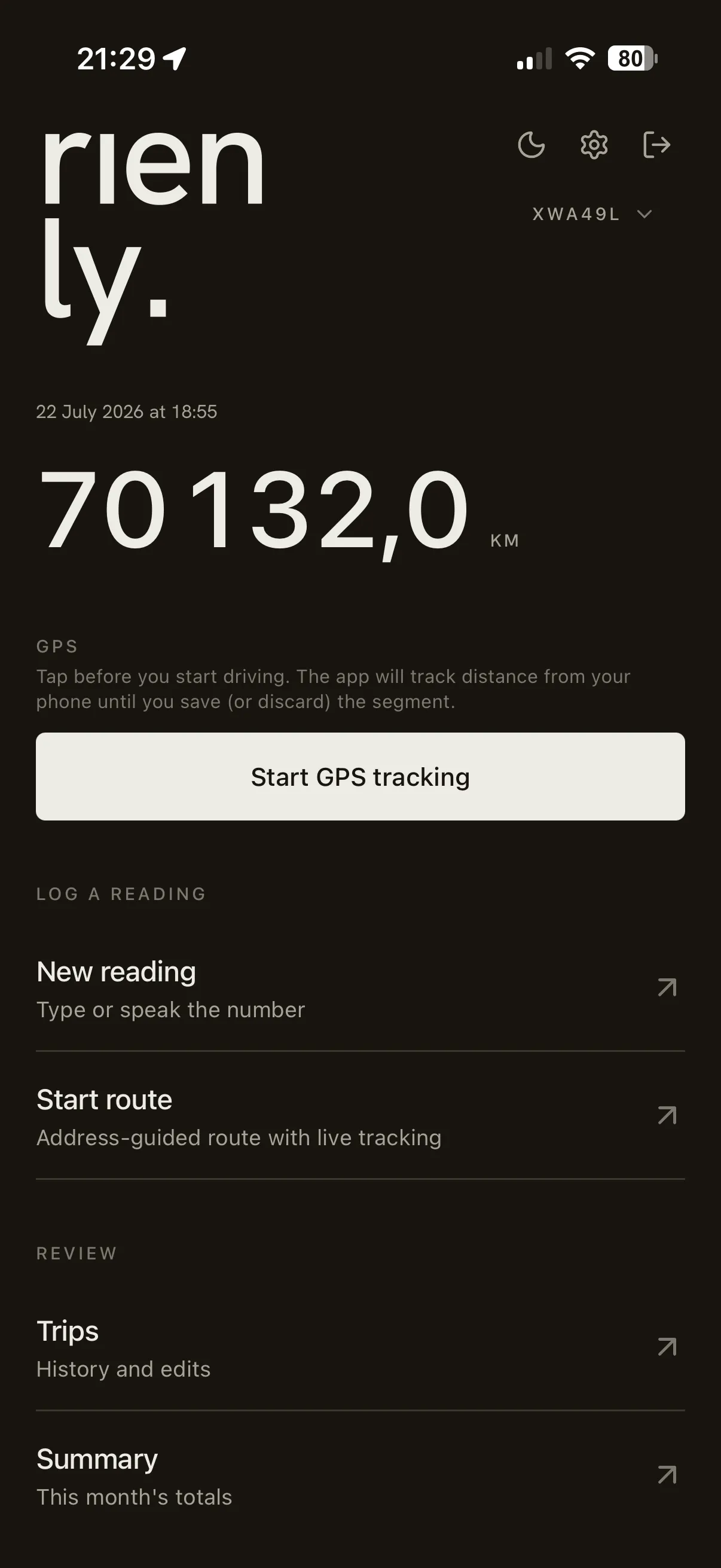
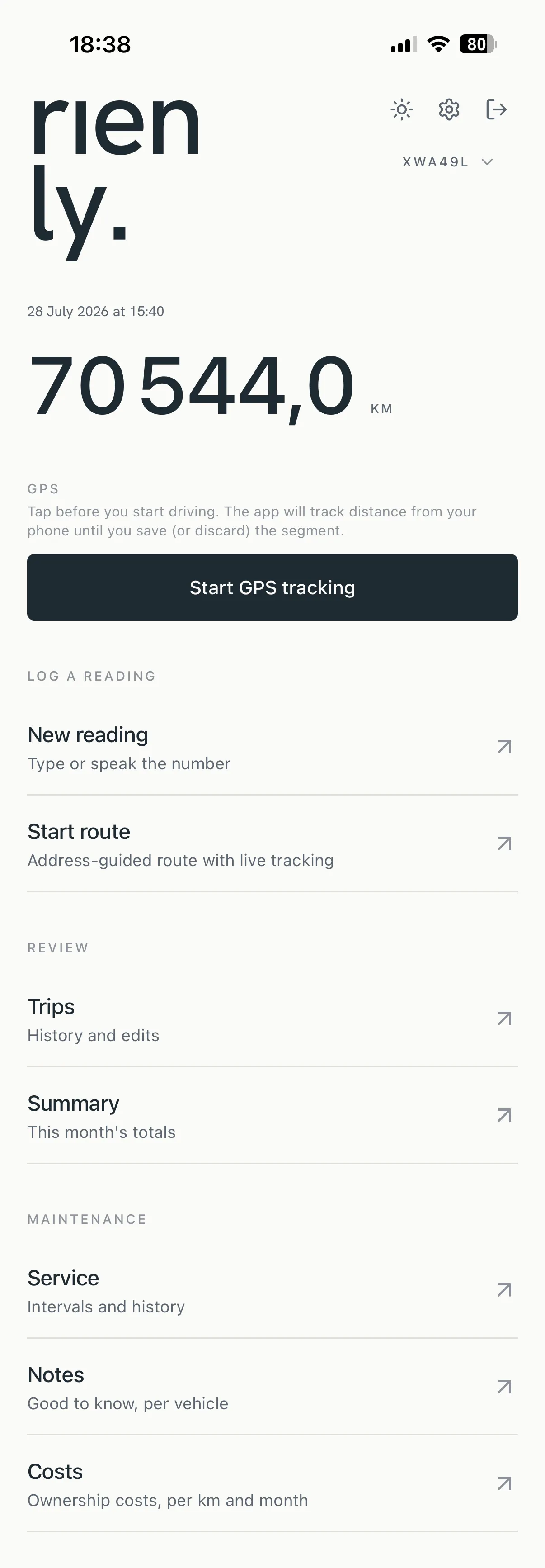
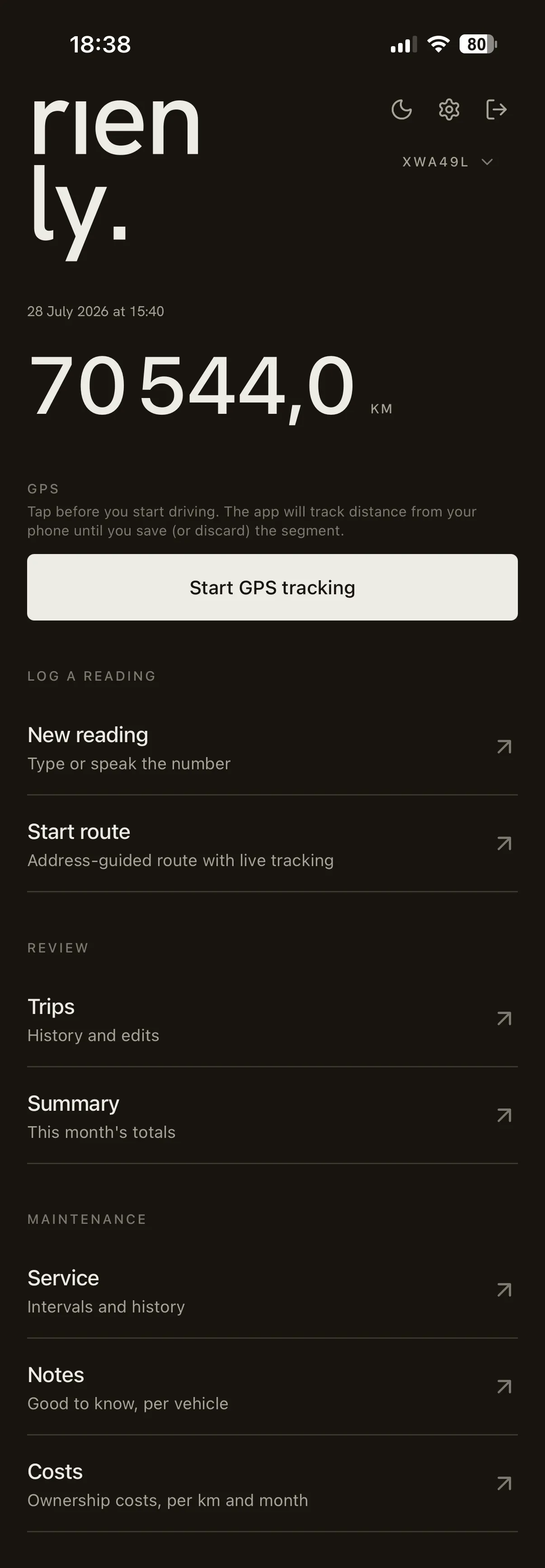
The first thing the app shows is the last reading on the vehicle you drive most. Set in a refined tabular monospace at editorial scale — large enough to read across a winter parking lot. From there, a single tap starts a drive, opens a tile to log manually, or hands the moment to the microphone.
02 GPS
Tap to log.
Forget the odometer entirely. Tap once to start tracking and the app follows the drive in the background — counting kilometres from the GPS, drawing the path as you go, and saving the trip the moment you park. Nothing to read or type at either end; the distance is measured, not remembered.
03 Logging
Type it or say it.
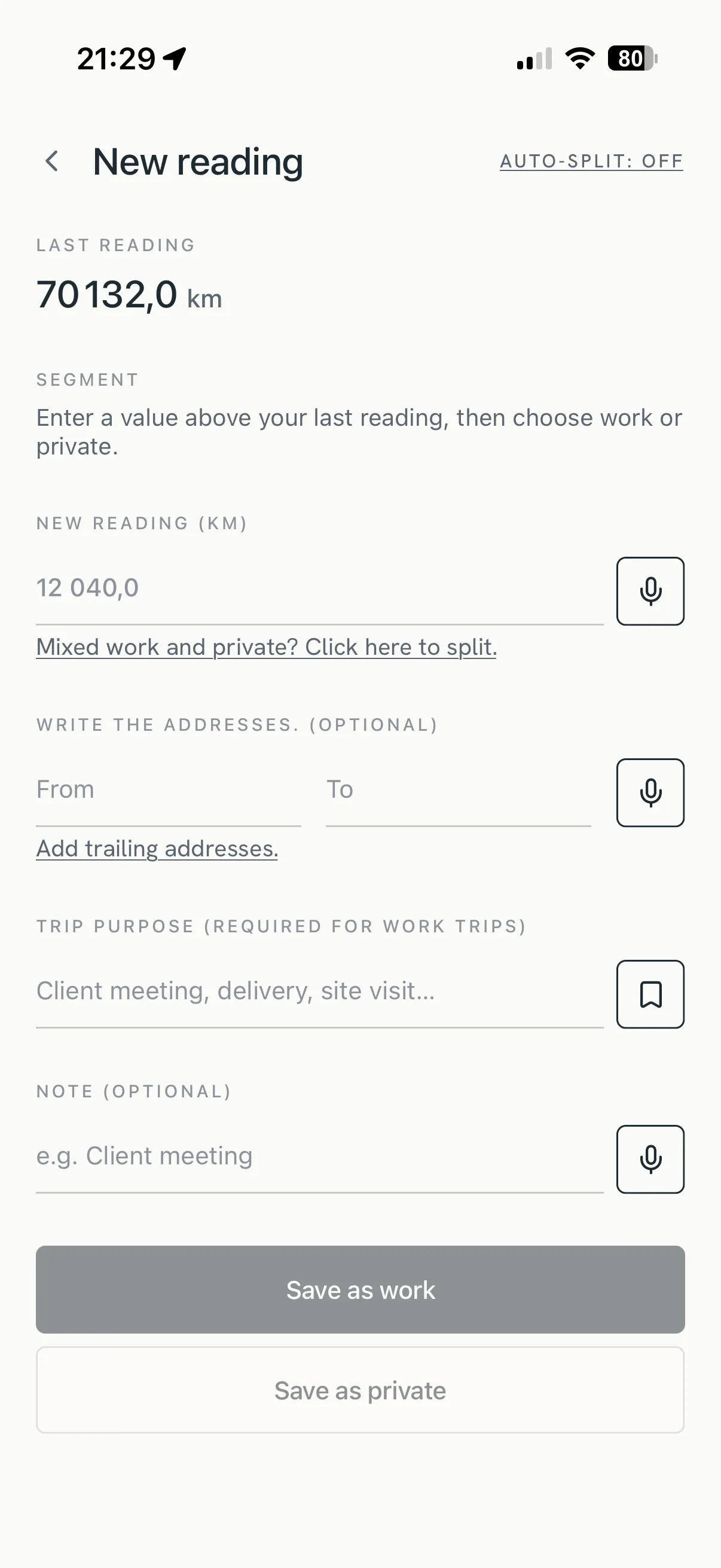
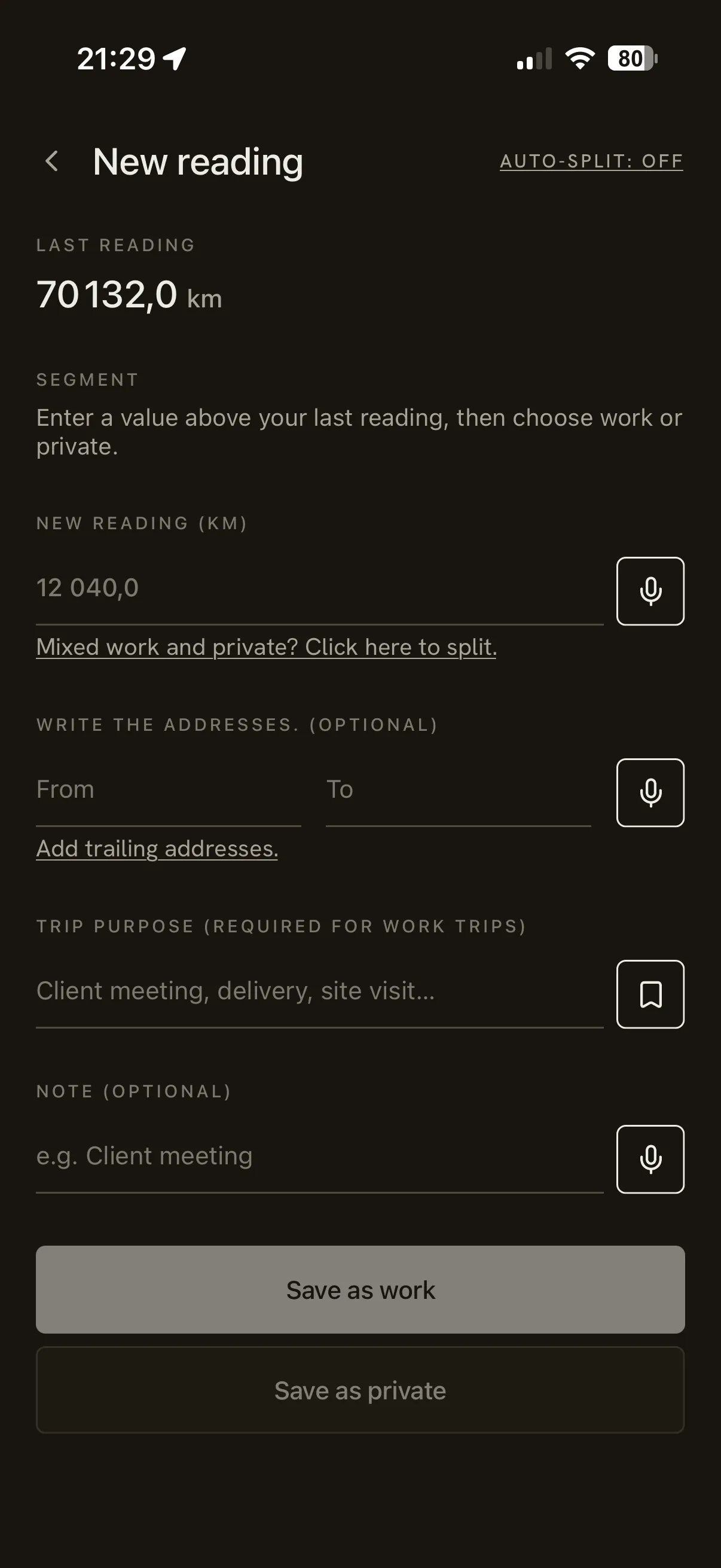
One page for the reading, two ways in. The keypad puts the digit you need exactly where your thumb already is, with impossible values caught before you save. When both hands are busy, tap the mic beside the field and say the number — "twelve thousand and forty-seven point three" — and the app fills it in. Works in Swedish and English, with the locale-correct decimal mark.
04 Route
Build your trip.
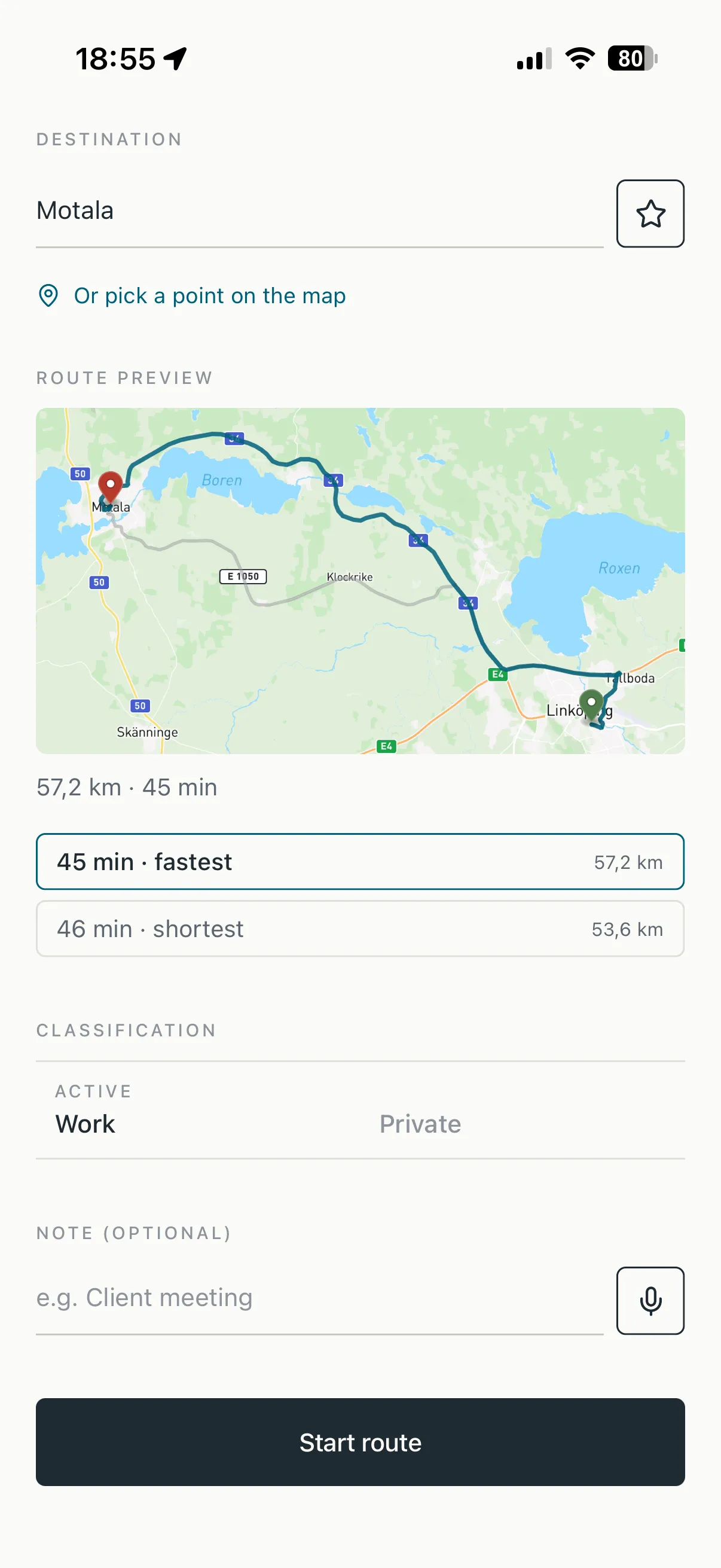
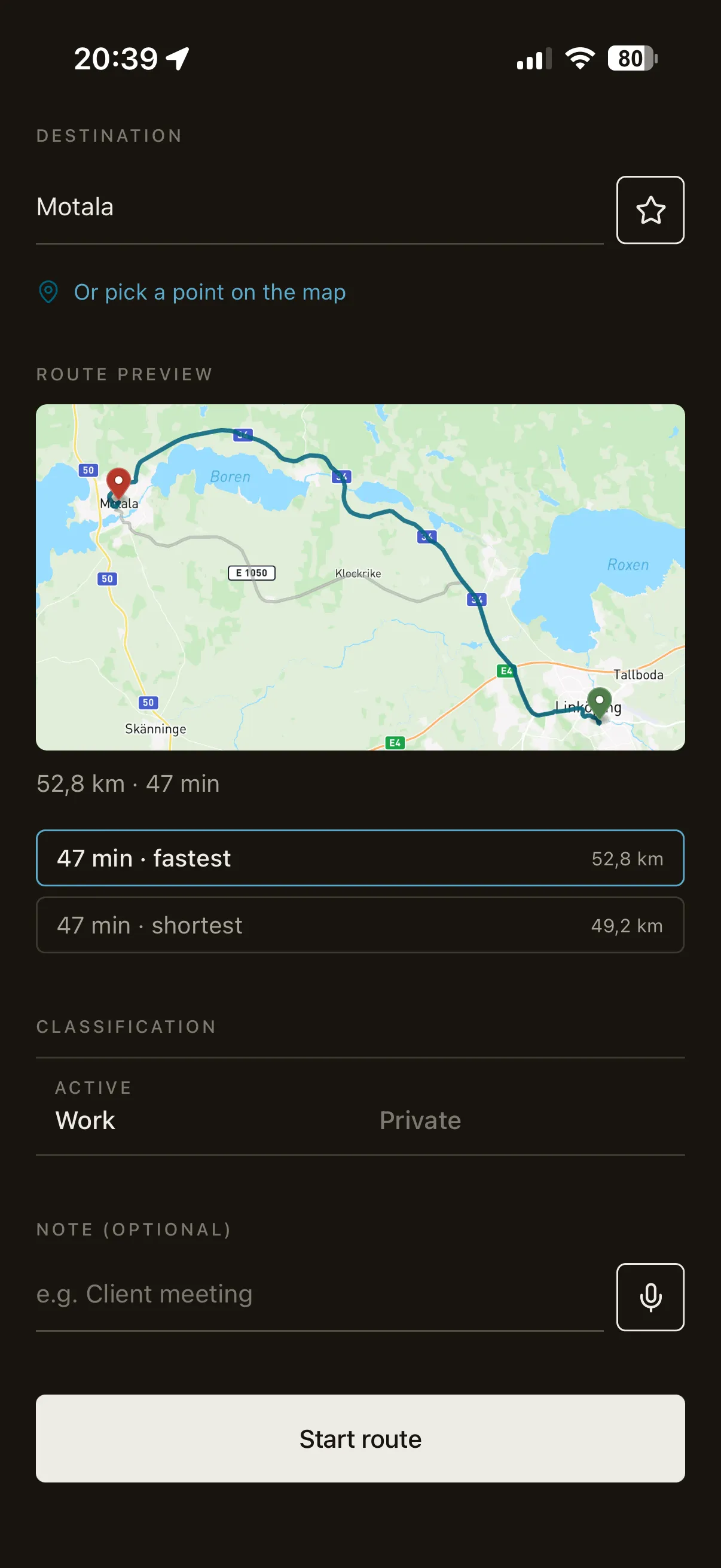
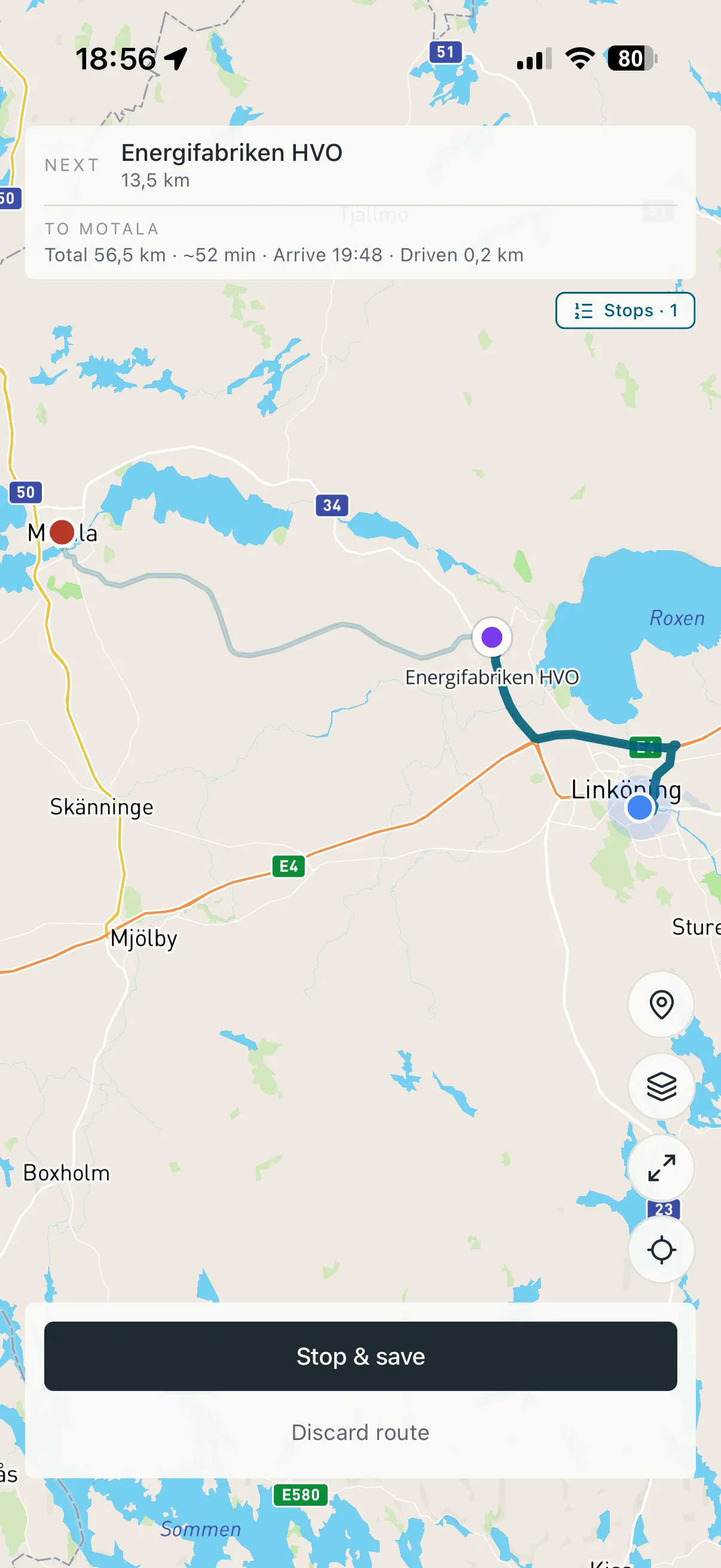
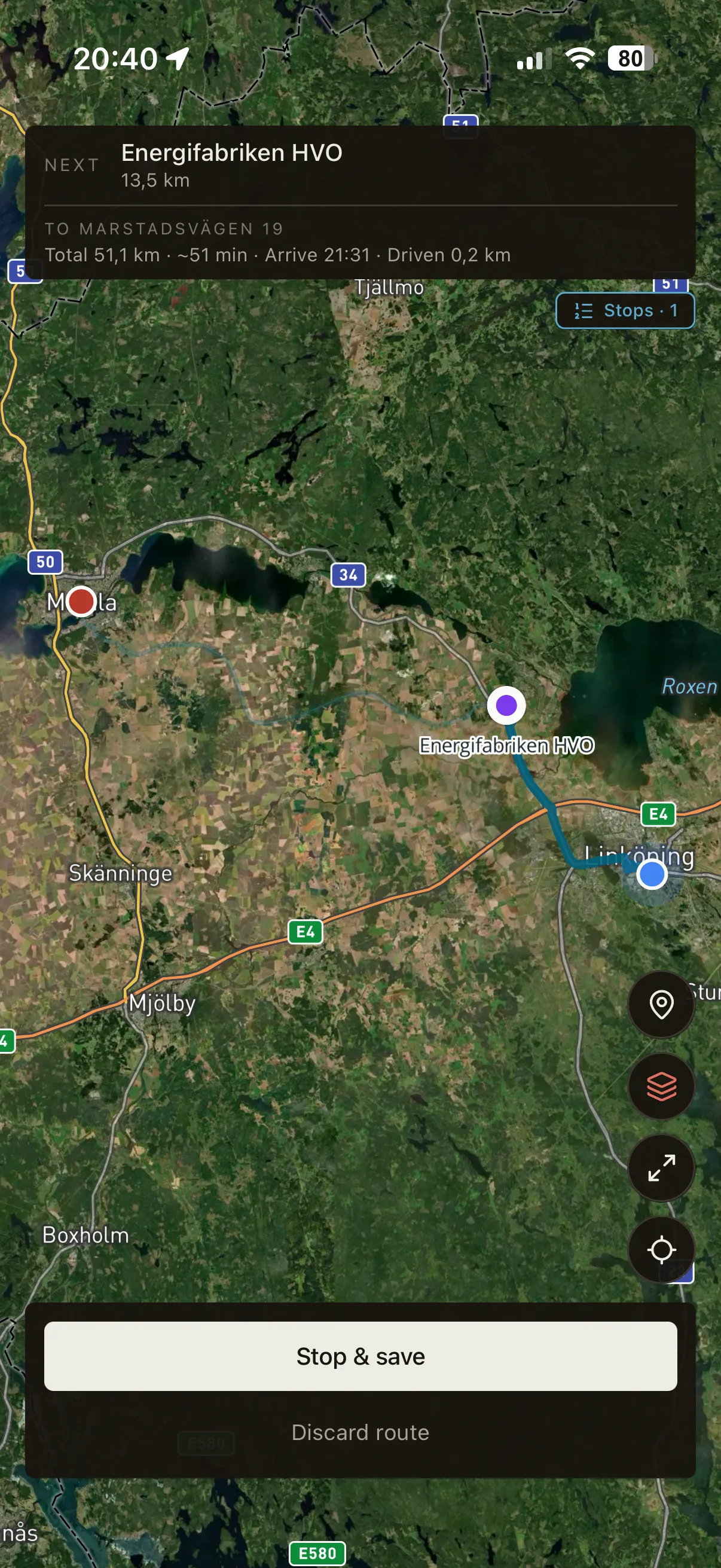
Pick a destination and the app tracks the drive end-to-end —
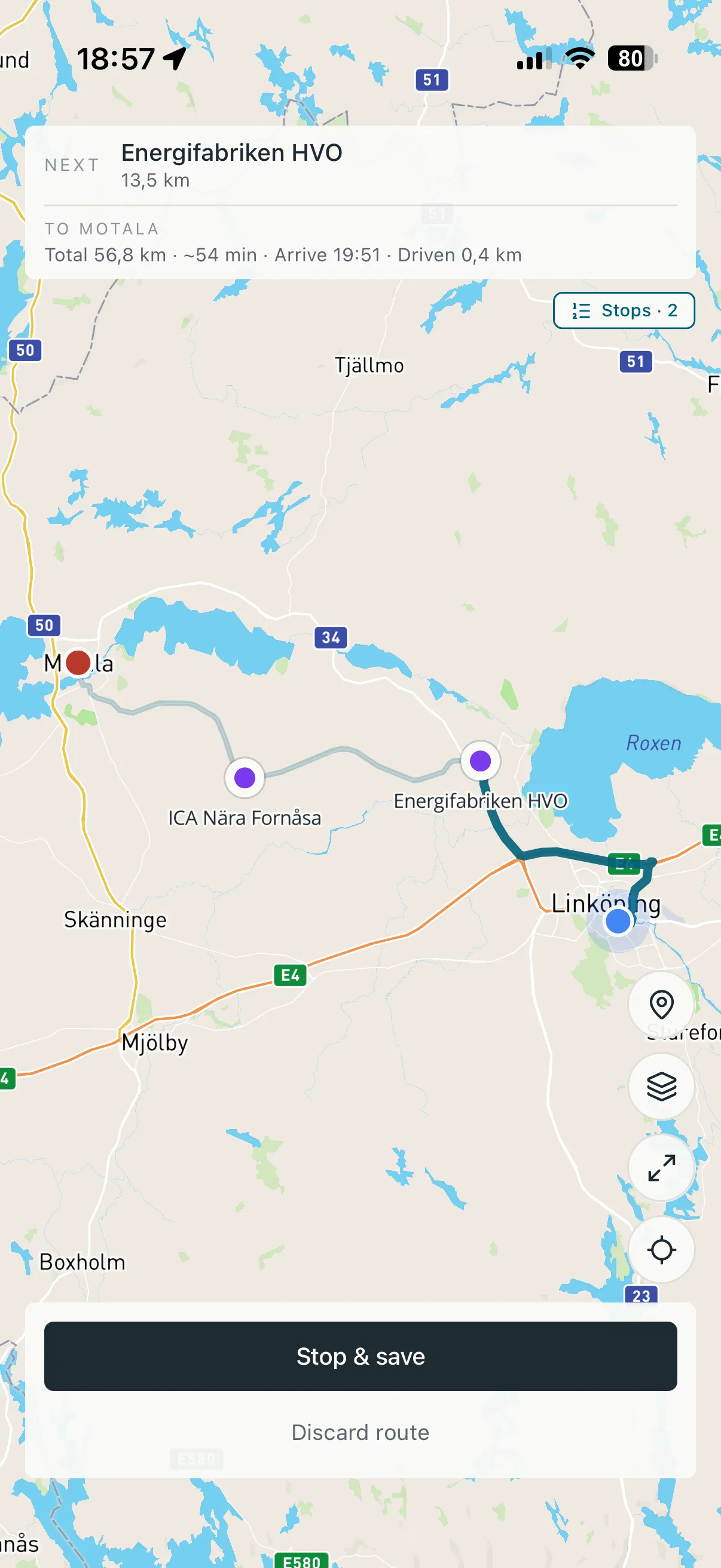
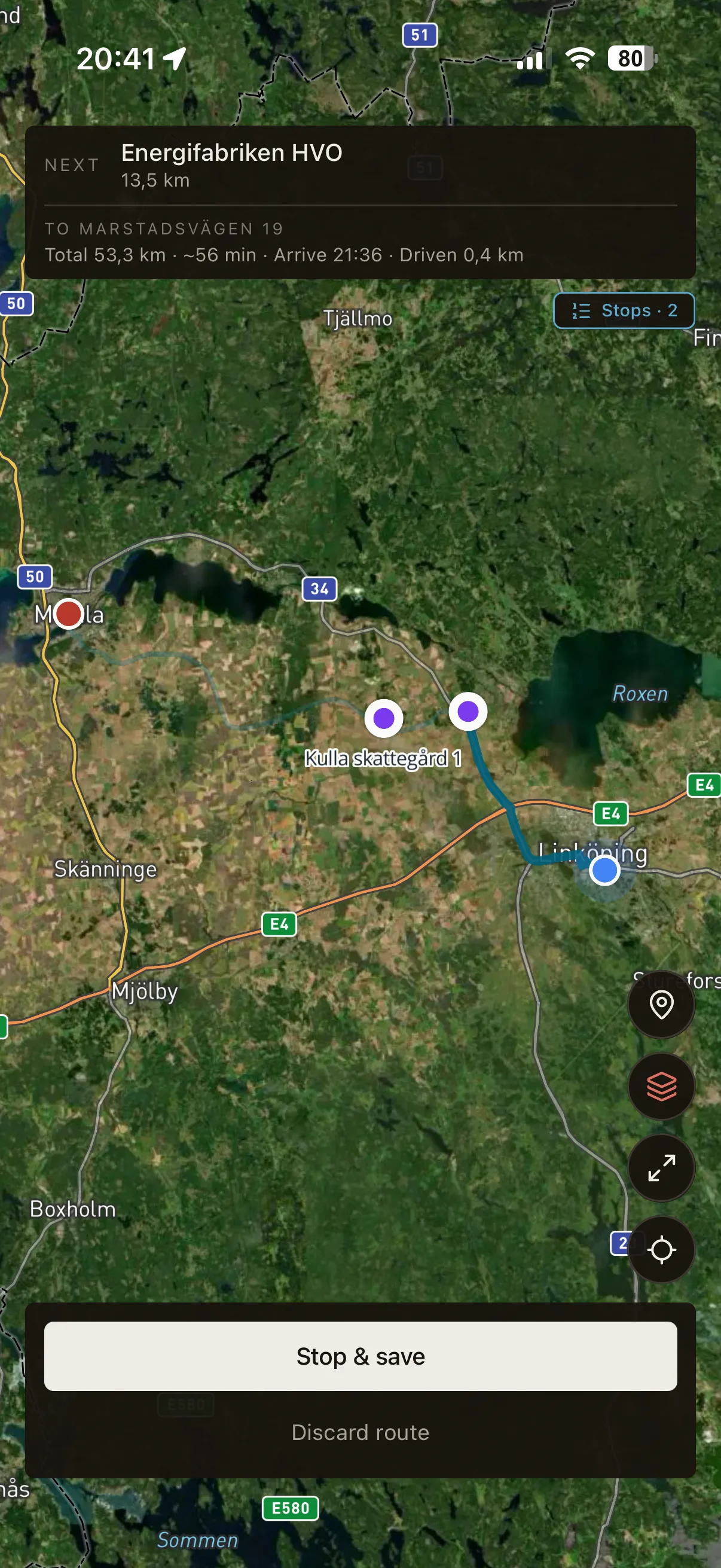
distance, route, time. You can add a single stop along the way for the
errand you remembered halfway there, or chain several stops in advance
when you know the day will be a circuit. Each segment is logged on its
own so the monthly report breaks down cleanly by leg.
A · Direct Single destination. The app draws the route on the map and counts mileage in real time.
B · One stop Add a stop along the way and the trip splits into two legs, logged separately.
C · Multi-stop Chain the day's stops in advance. Every segment of the loop is recorded individually.
05 Trips
Every drive, in order.
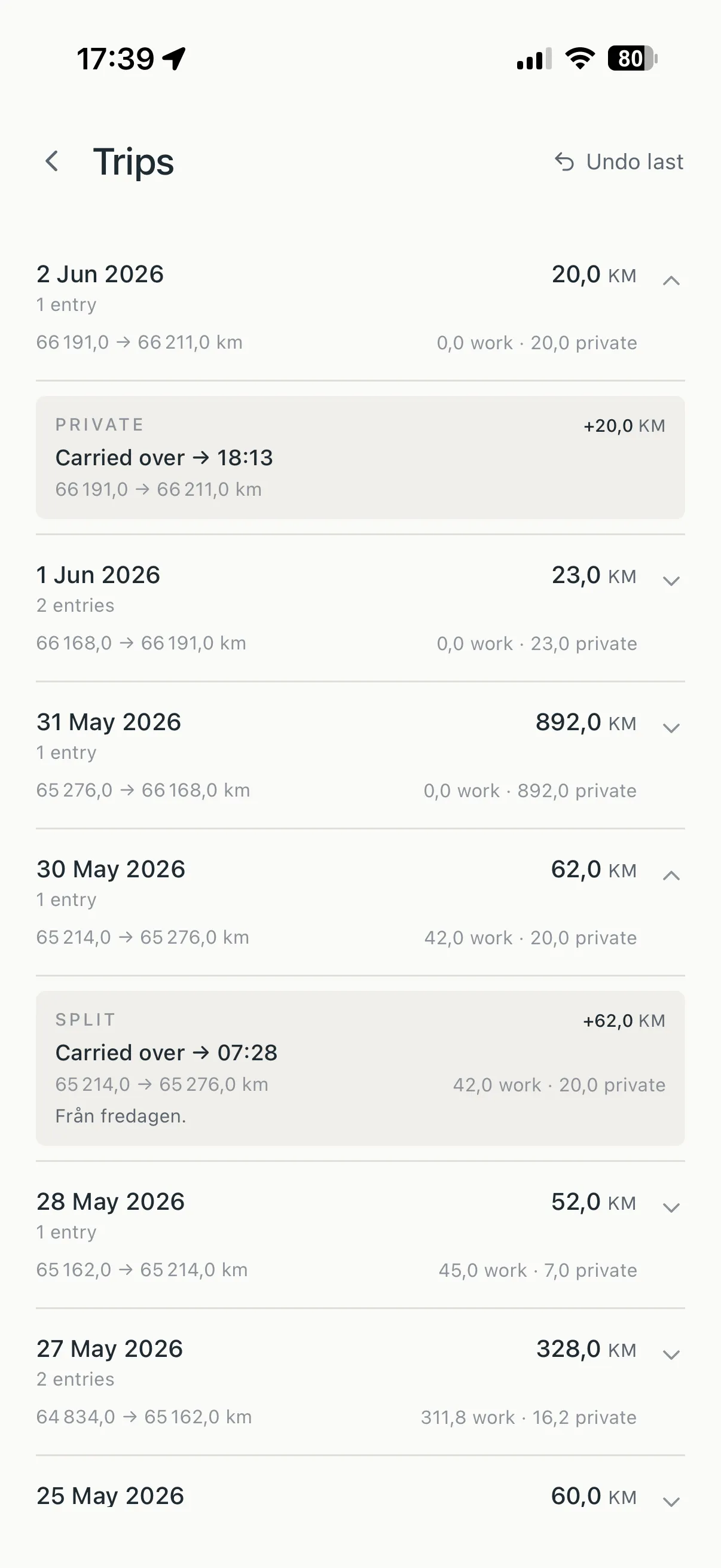
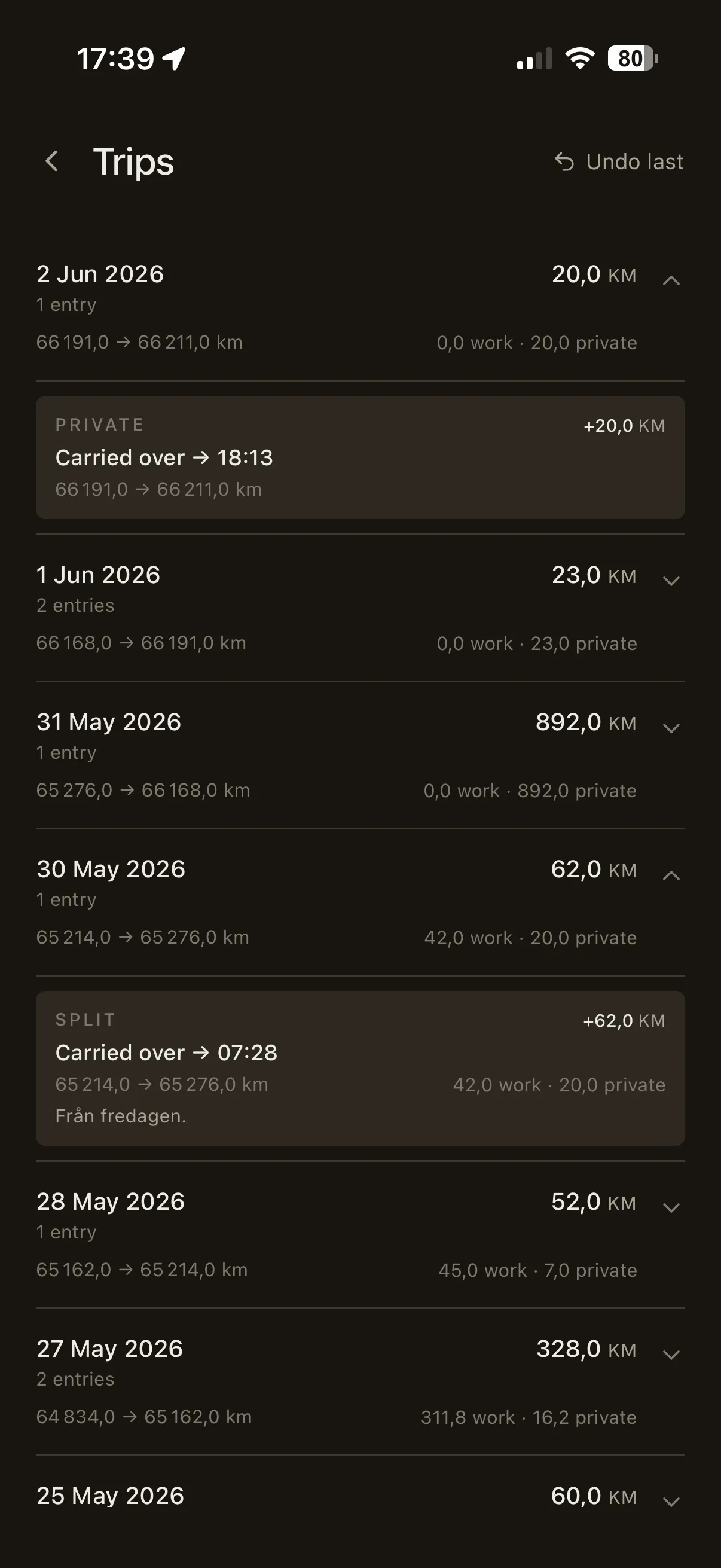
The full log, grouped by day, with the work and private split already drawn on each drive. Tabular distances line up down the column so a month reads at a glance, and any trip that had stops expands into its separate legs — the detail is there when you want it, folded away when you don't.
06 Summary
The month, totalled.
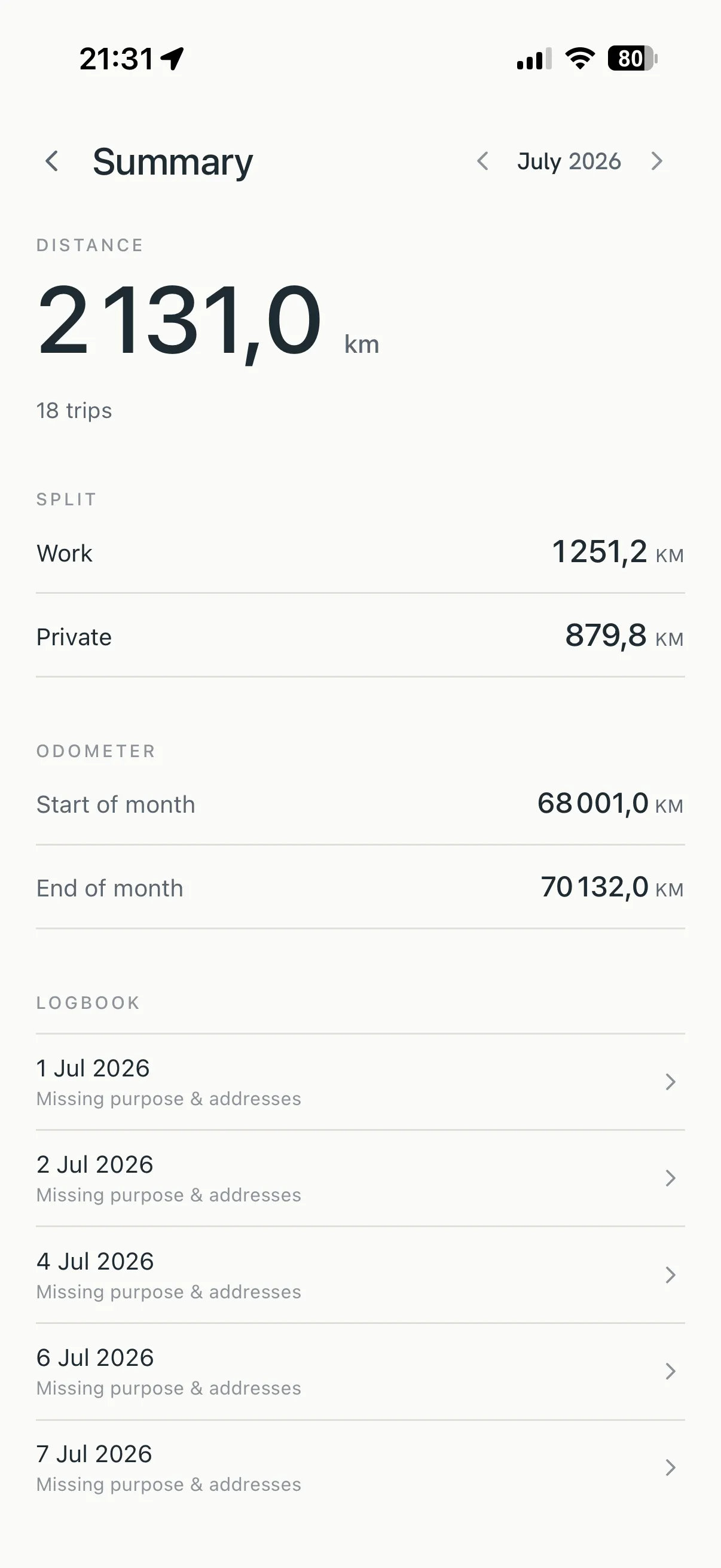
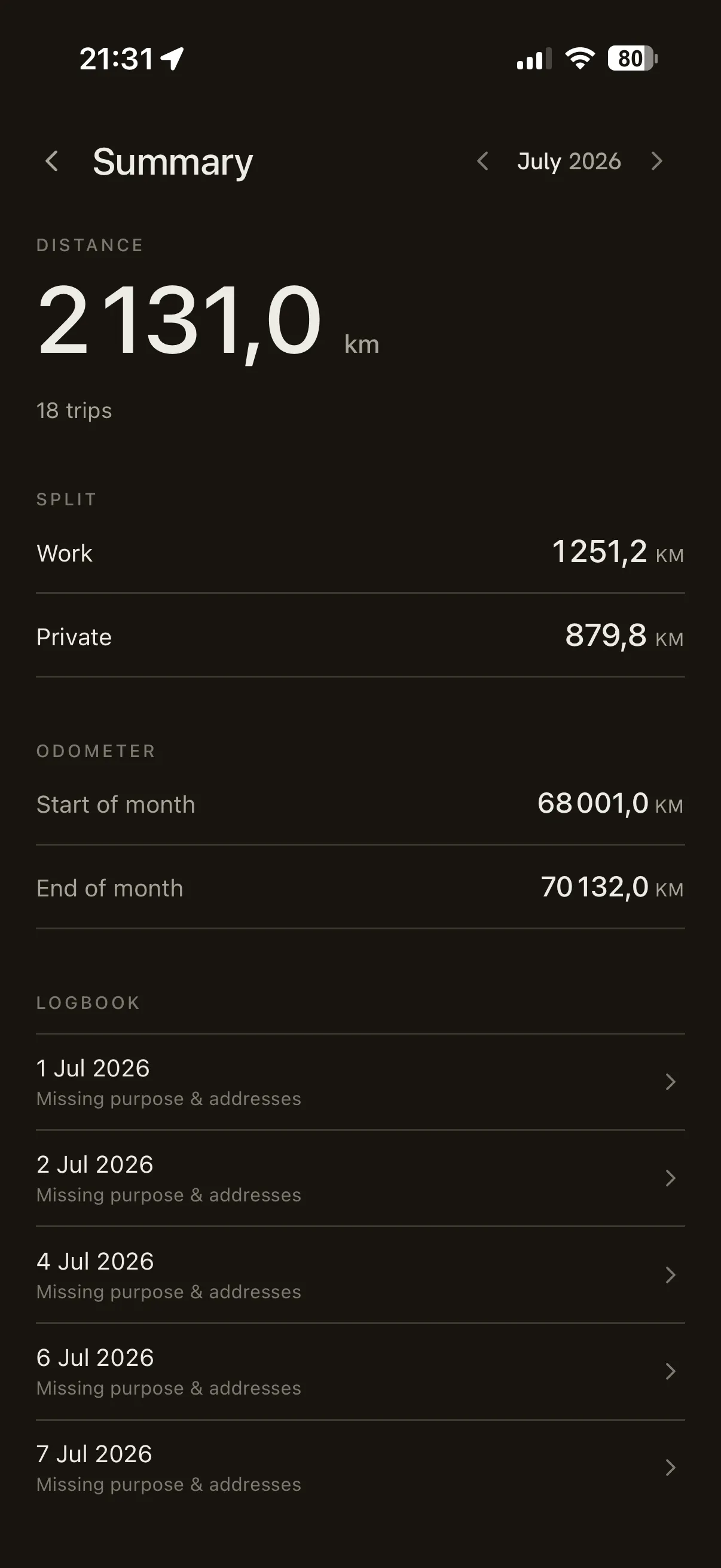
At month-end, one trustworthy figure: total mileage split into work and private, with the odometer carried continuously across the month boundary so nothing slips between months. Export it as a CSV or PDF report and hand it to your accountant — exactly as it stands.
07 Service
Every service, on file.
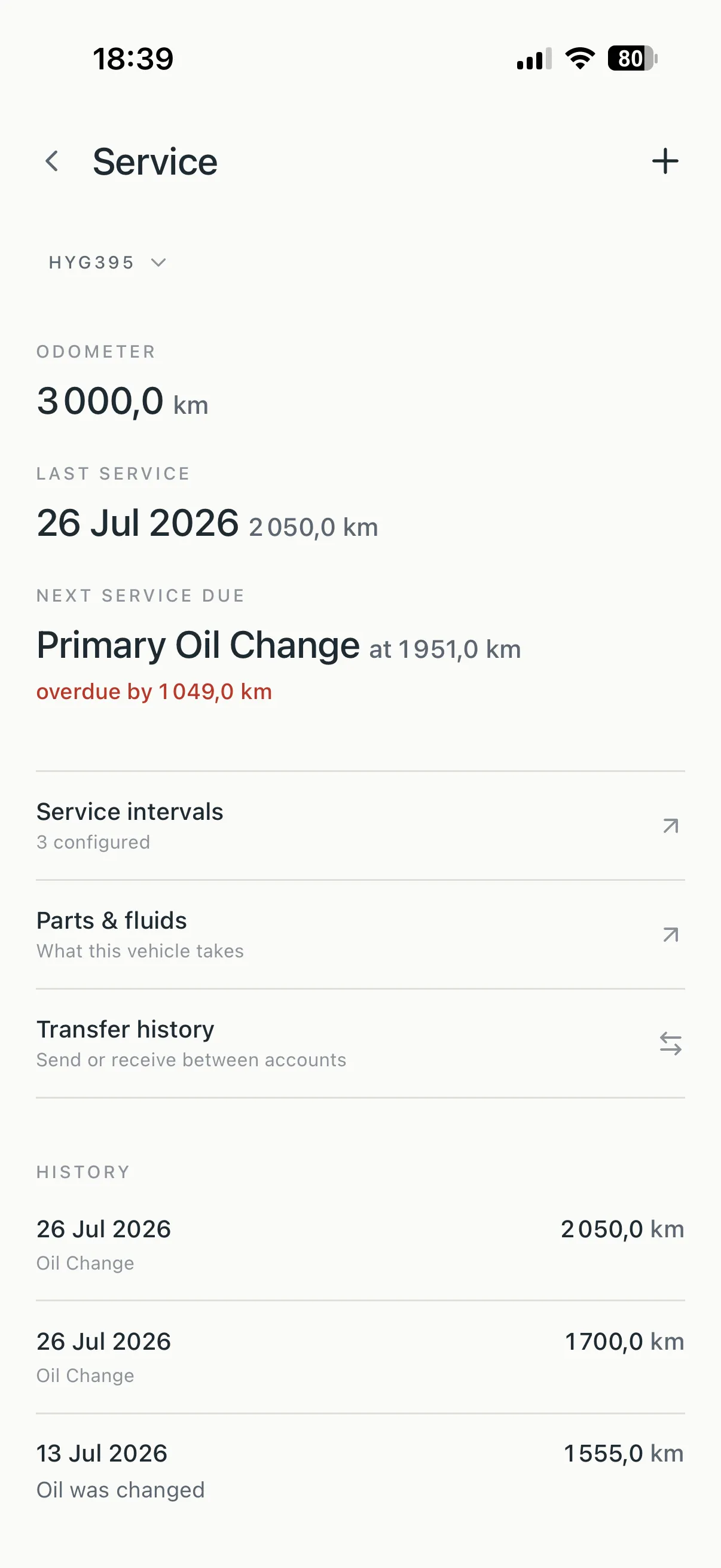
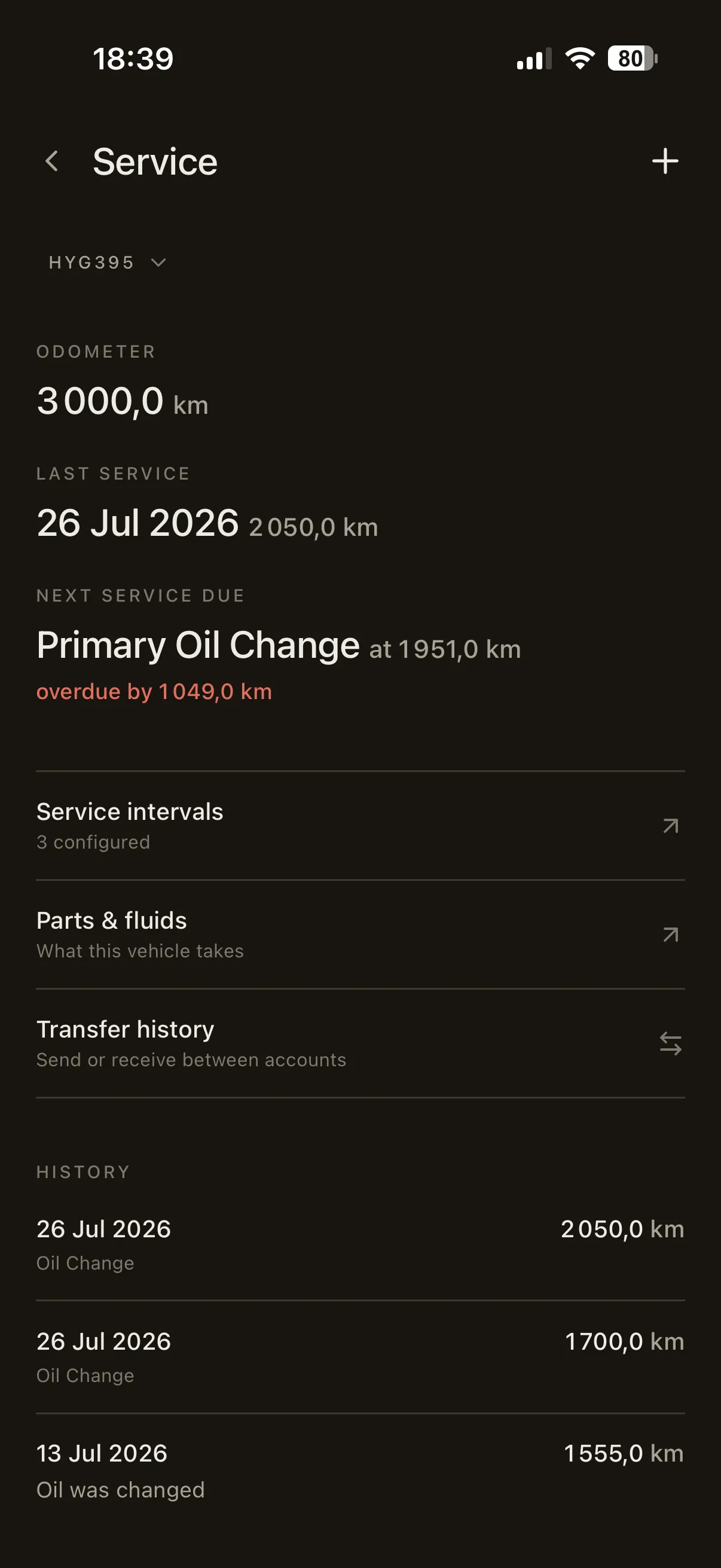
Every vehicle in Rienly carries its own service journal. Name the
intervals the vehicle lives by — oil change, brake fluid, inspection —
and the app counts down against the odometer you're already logging,
the calendar, or both: twelve months or 15 000 km, whichever comes
first. When either crosses its due point, Rienly says so with a
quiet line on the home screen.
Intervals Counted in kilometres, months, or both, and reset by the service that covers them. One-tap suggestions set up the Swedish staples — oljebyte, besiktning, bromsvätska — in seconds.
Receipts Attach photos or PDFs of the workshop receipt to any entry. The vehicle's paper trail lives with its history instead of in a glovebox.
Handover Selling? Send the vehicle's full history — entries, intervals, receipts — to the buyer's Rienly with their Service ID. What you documented follows the vehicle.
08 Costs
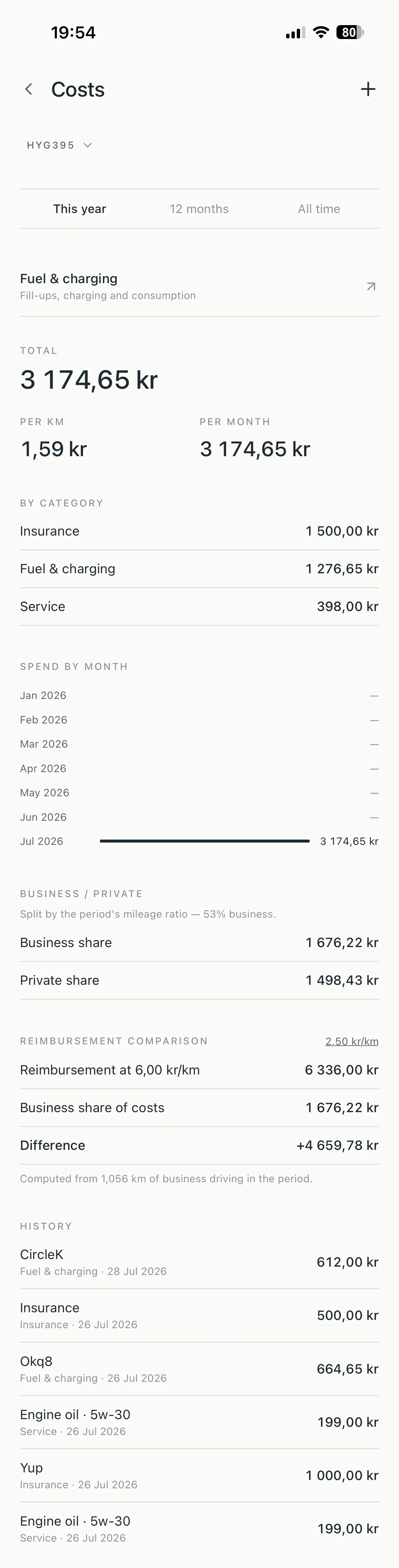
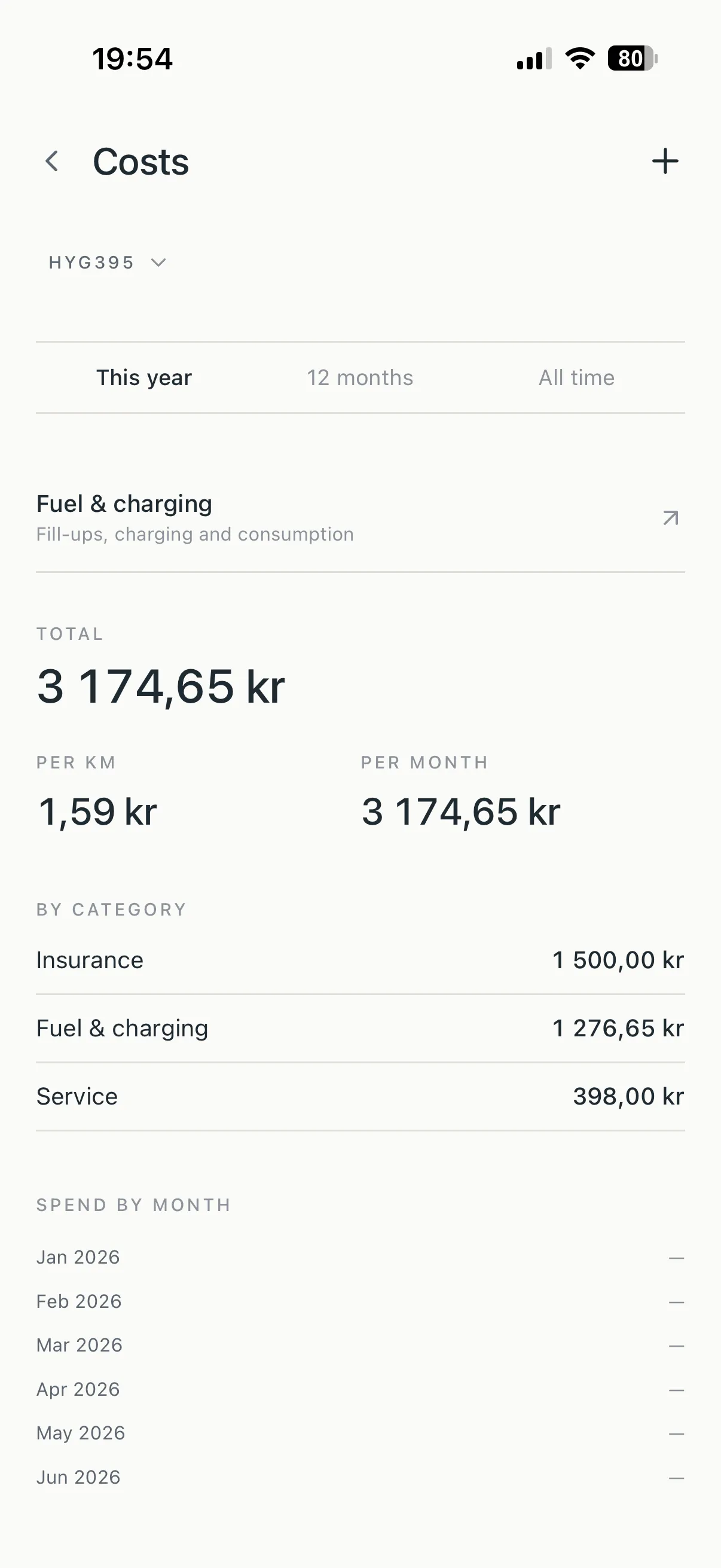
The whole cost of the car.
Every cost the vehicle takes — fuel, insurance, tax, parking, parts —
in one calm ledger. Rienly totals the period, computes cost per
kilometre and per month, splits business from private by your actual
mileage ratio, and sets the business share against the reimbursement
you drive for. Not a dashboard; a well-set table that answers what
the car actually costs.
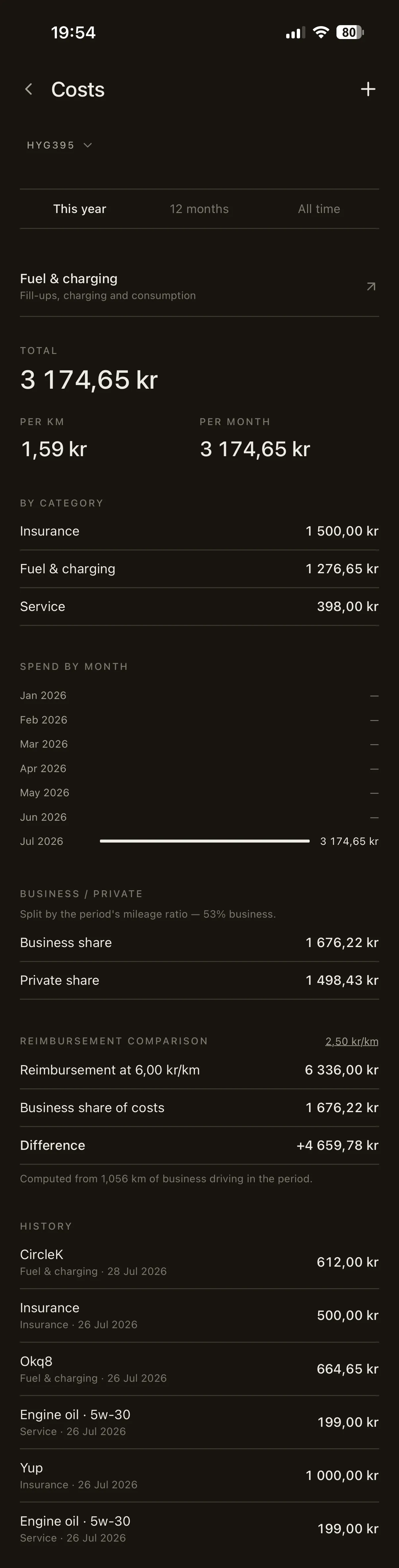
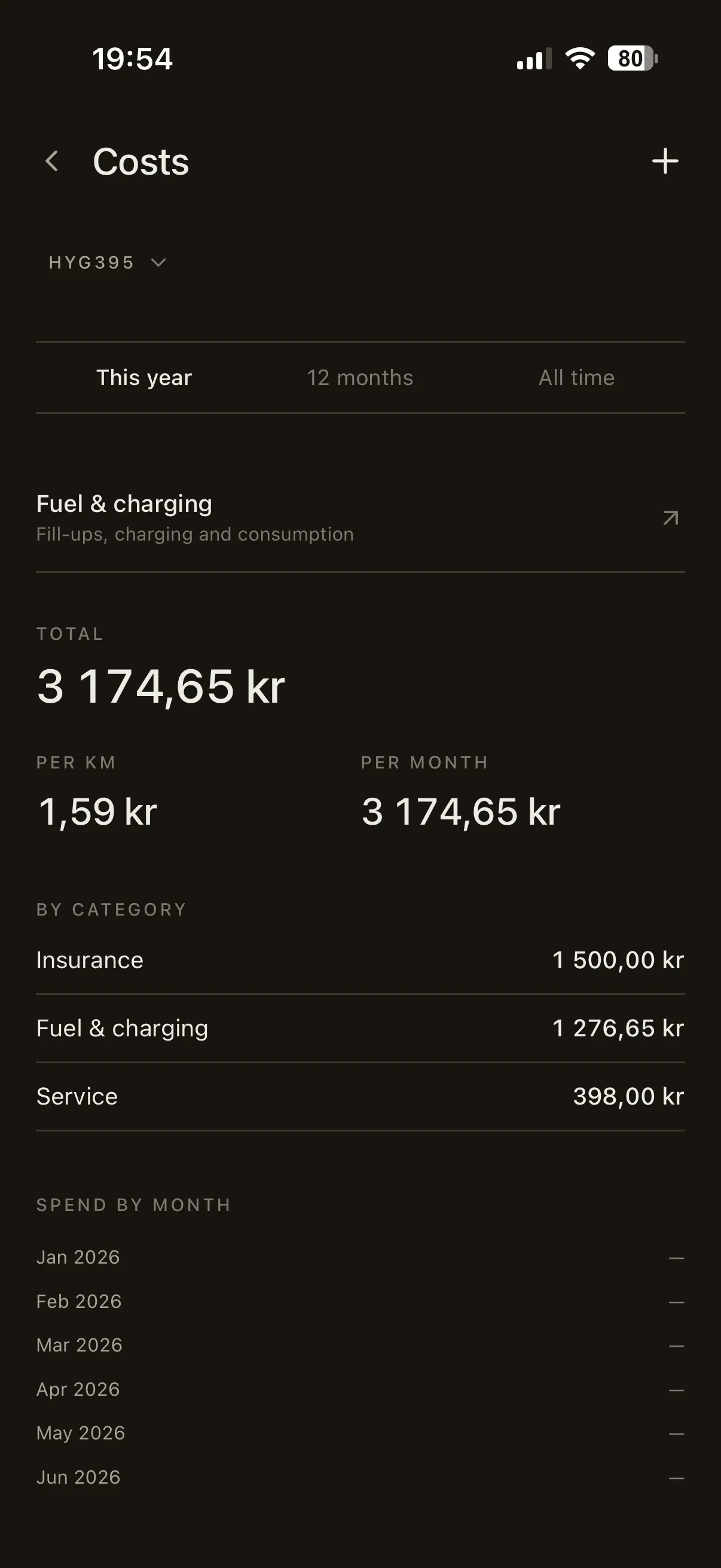
A · Ownership The period totalled by category, per kilometre and per month, with a spend-by-month table and the business/private split drawn from your logged mileage.
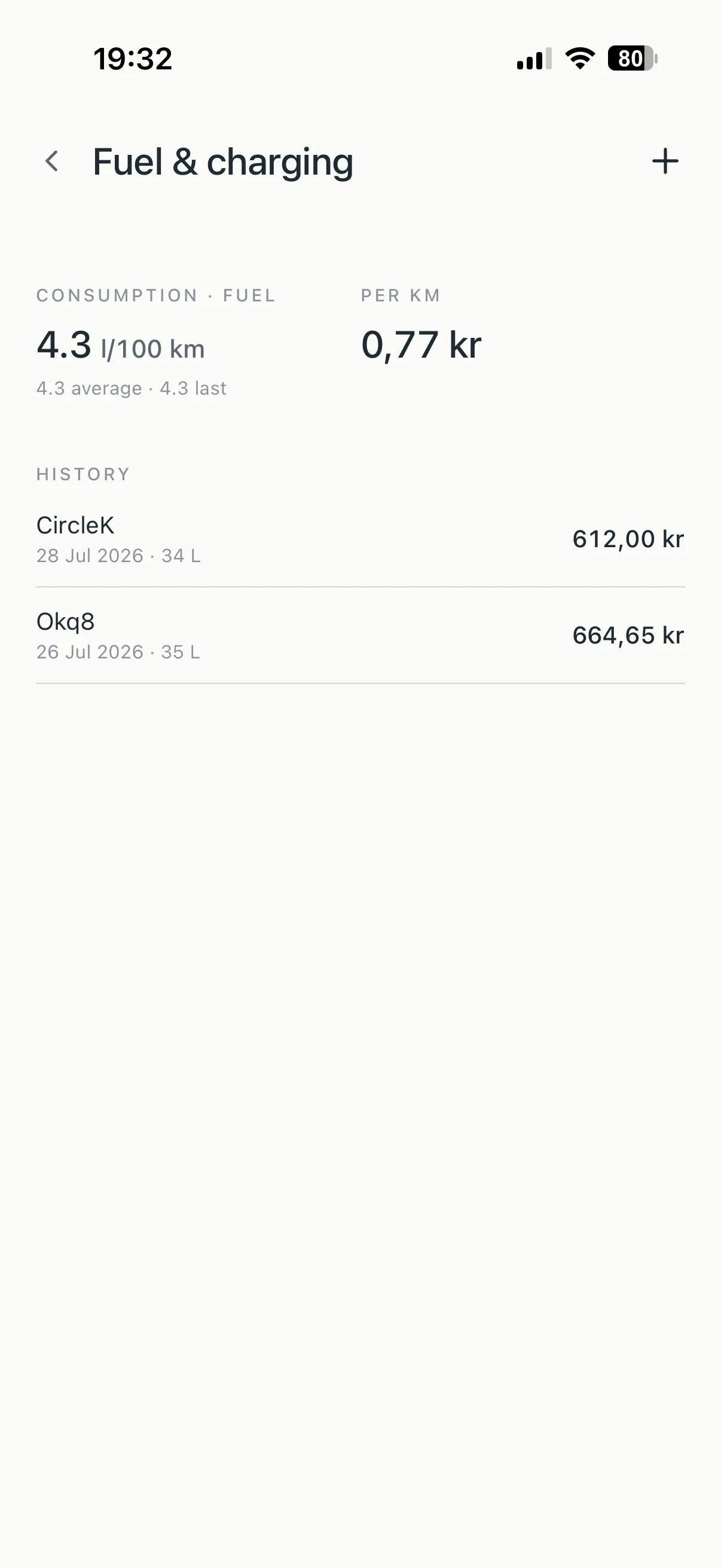
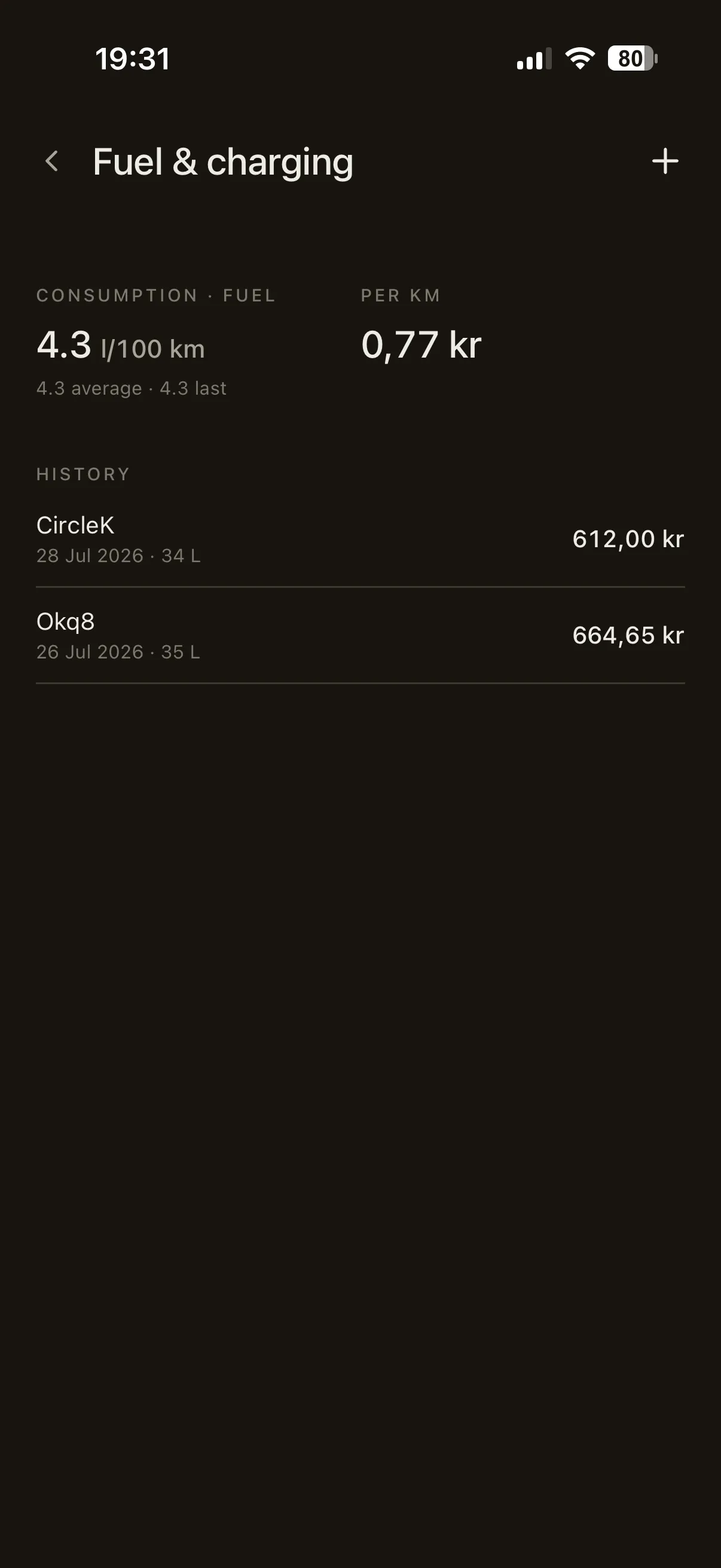
B · Fuel & charging Log fill-ups and charging sessions. Consumption computes between full tanks — l/100 km or kWh/100 km — with a quiet note if it drifts above the vehicle's own baseline.
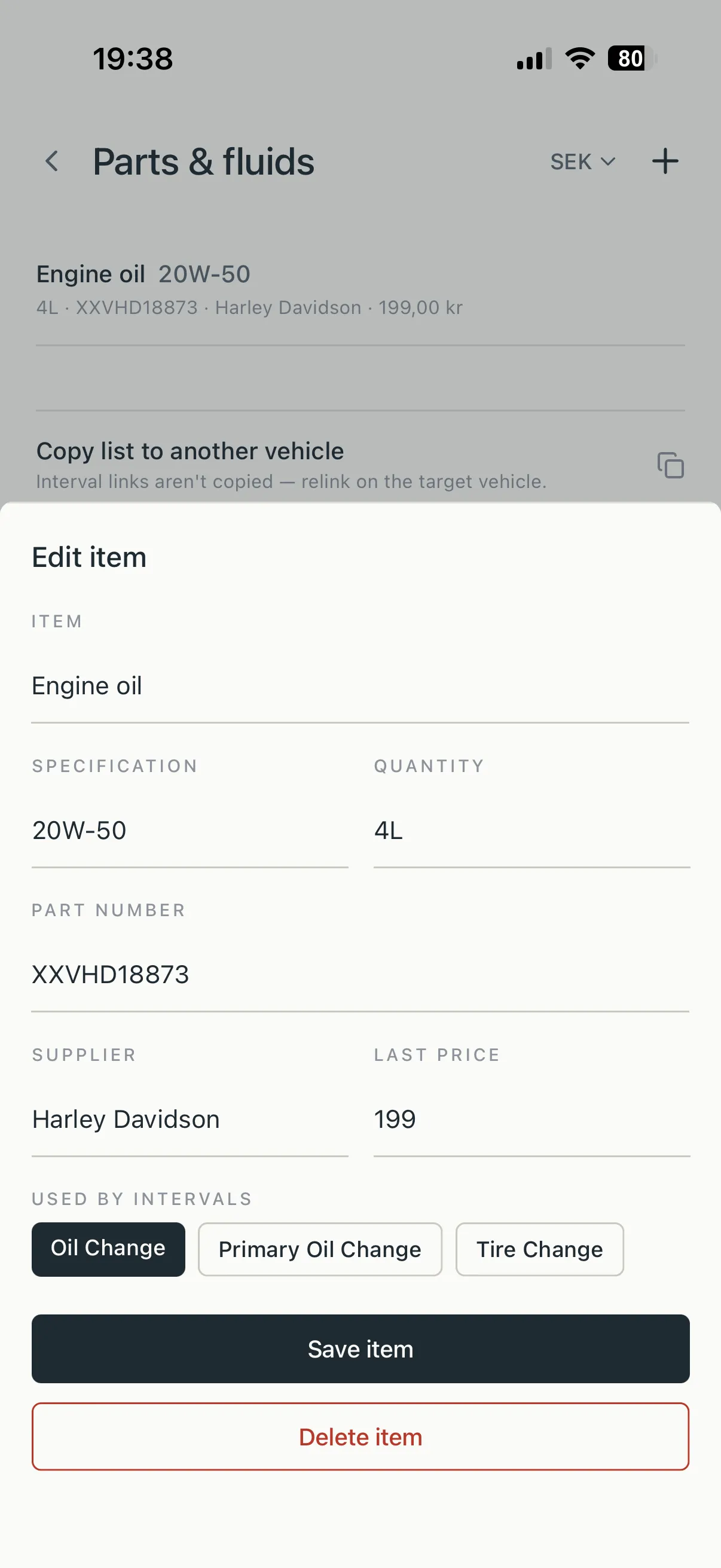
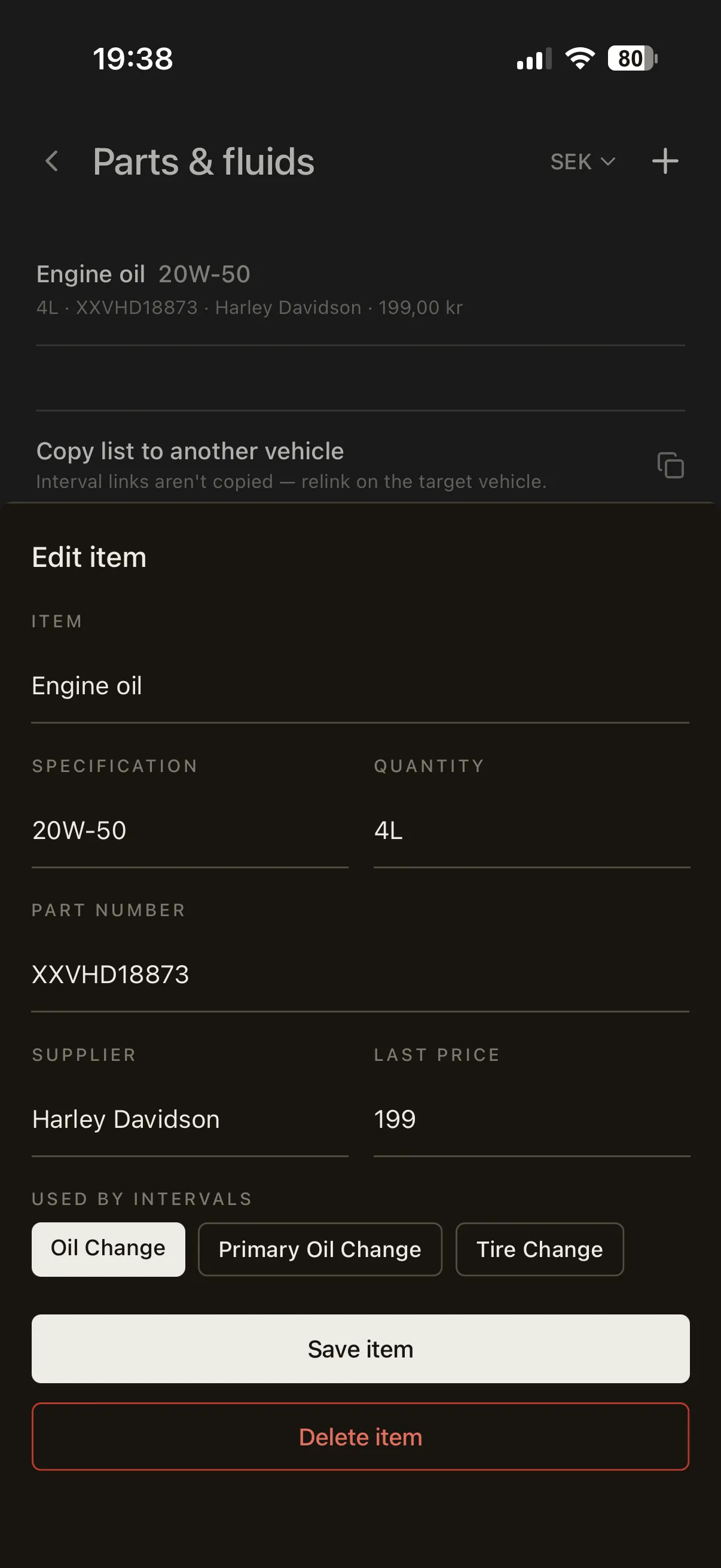
C · Parts & fluids The oil grade, the filter numbers, the supplier and last price — linked to intervals, so logging a service pre-fills the parts it used.